
External Signals

Setting up Dynamic Energy Trading
Supported Devices
| Device Type | Variants | Supported |
|---|---|---|
| Solar Inverters | All | ⌛ (coming soon) |
| Storage Devices | ✅ | |
| EV Chargers | ❌ |
Supported Countries
| Country | Supported |
|---|---|
| Belgium | ❌ |
| Netherlands | ✅ |
Notifying DET
DET will automatically be notified that the MidTeQ PULSE EMS is ready for steering.
Add 'DET' External Signal
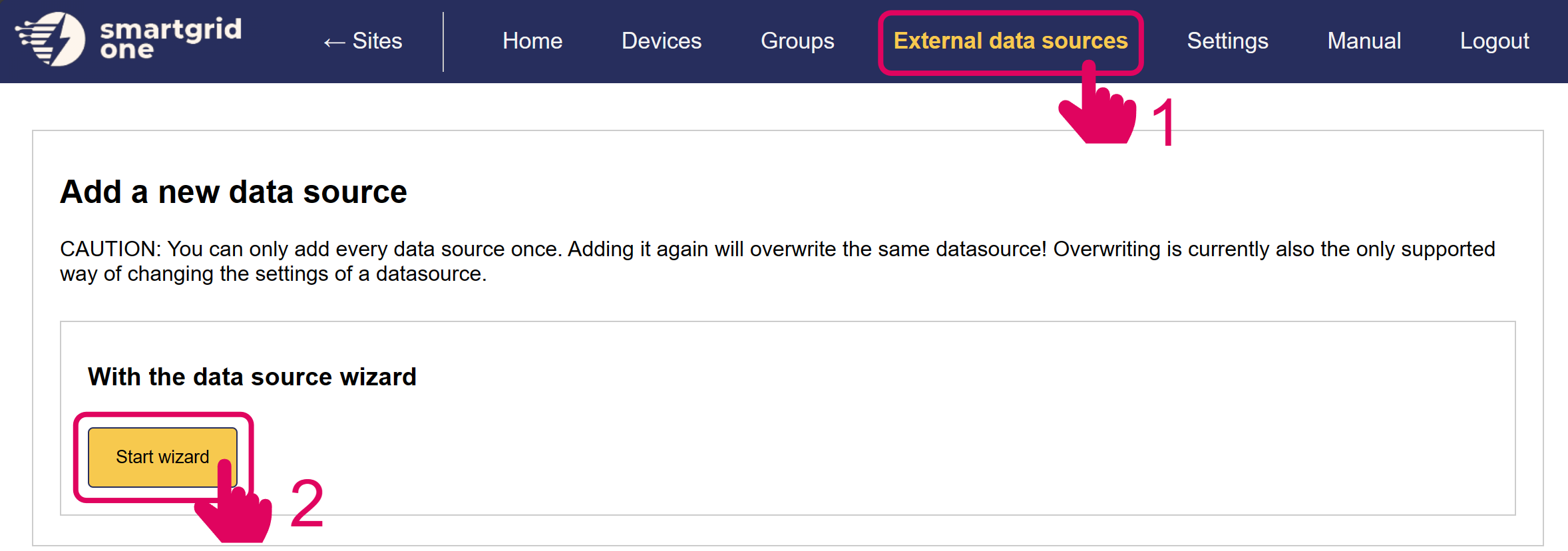
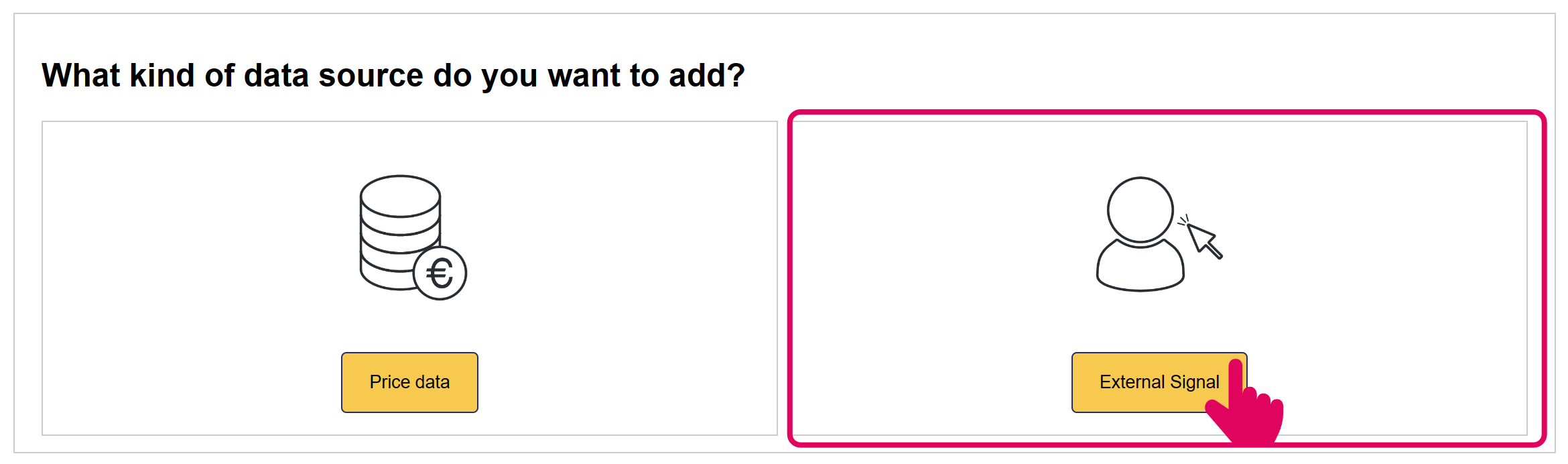
In the next page, you have the option to include/exclude devices for remote control. Ensure to mark all checkboxes of devices you'd like to include.
Note
When using multiple batteries, they are aggregated into one (virtual) asset.
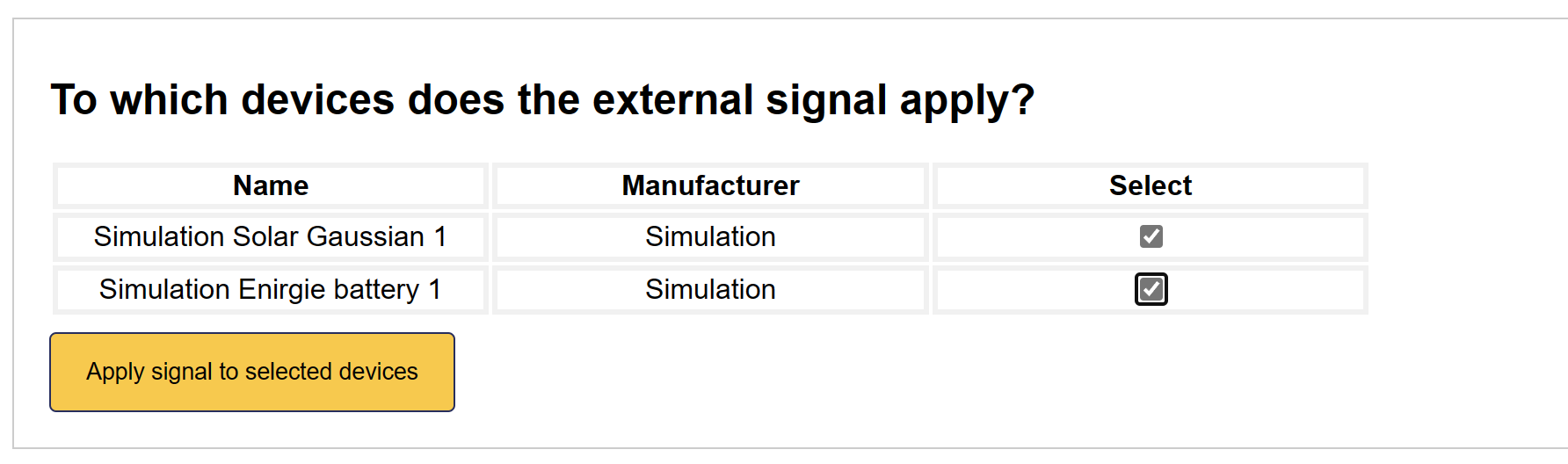
'DET' is now set up on the MidTeQ PULSE EMS.
Tip
When DET External Control is added, the MidTeQ PULSE EMS algorithm has no control over the battery's behaviour.