
External SignalsElindus

Setting up Elindus
The manual describes the steps to set up Elindus on the MidTeQ PULSE EMS.
Supported Countries
| Country | Supported |
|---|---|
| Belgium | ✅ |
| Netherlands | ❌ |
Prerequisites
1. Choosing the Price Configuration
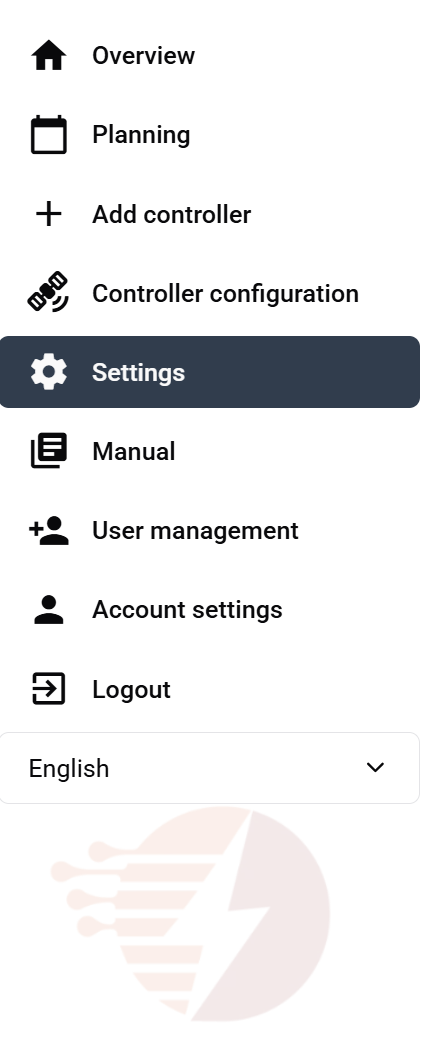
In the MidTeQ PULSE App, select Settings.
Select Elindus as the Price Configuration
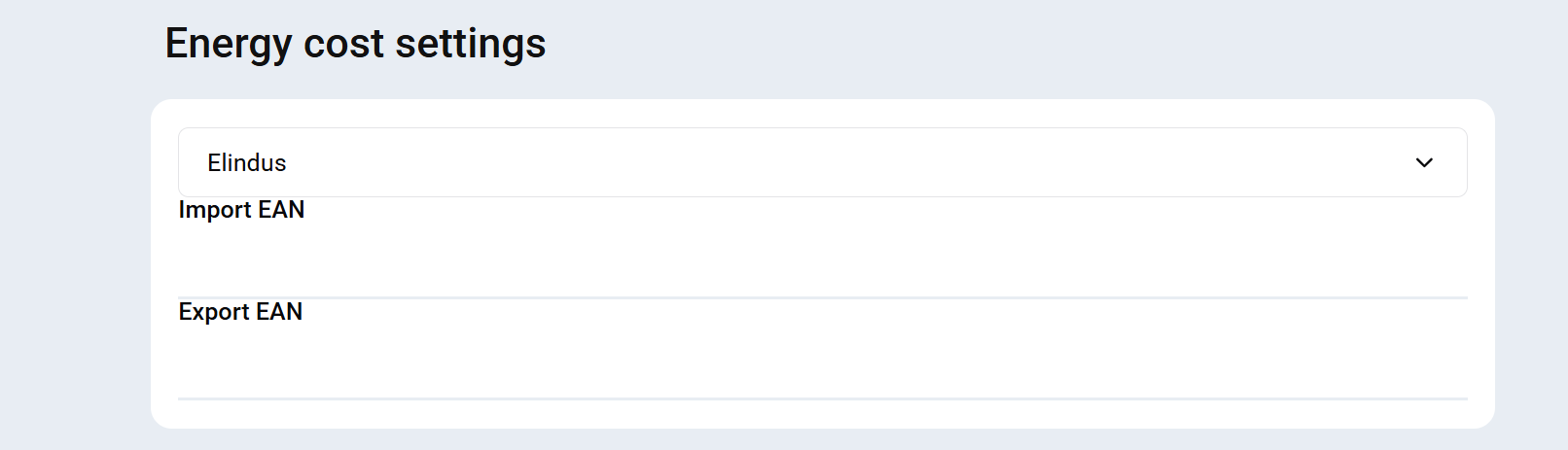
Enter your two EAN numbers.
Functionality
Elindus will provide MidTeQ PULSE with a formula for the day-ahead market. This formula will be applied to local control algorithms.